 Deutsch
 Français
 Español
 Português (Brasil)
 العربية
 Русский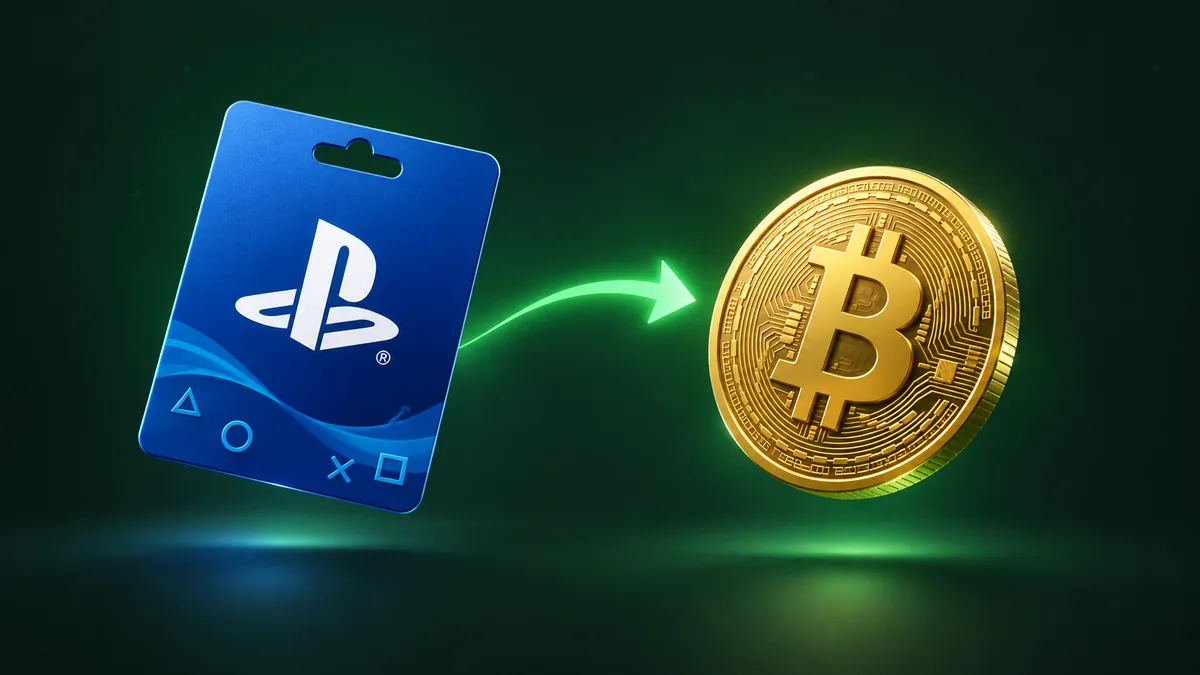
Sell PlayStation Gift Card for Bitcoin Guide
Converting unused gaming balances into cryptocurrency lets you build your crypto portfolio without needing a traditional bank transfer or exchange deposit. If you have PlayStation Store credit denominated in US dollars, you can swap it directly for on-chain Bitcoin sent to your personal address. This guide explains how to prepare your Sony voucher, verify the exchange rates, and track your incoming transaction across the blockchain network.
Rules for exchanging PlayStation USD vouchers
Before submitting any PlayStation Network card for processing, make sure your voucher meets the specific regional and technical criteria required for a successful trade. Sony issues region-locked codes, and our platform handles PlayStation vouchers strictly in US dollars (USD). Codes issued for European, British, Japanese, or other regional storefronts cannot be validated through this channel and will result in a canceled trade.
To ensure a smooth transfer without unexpected delays, verify the state of your card against these essential rules:
- Denomination currency: The card must carry a USD balance. Check the physical packaging or the digital delivery email to confirm the dollar sign ($) and US regional indicator.
- Card status: The voucher must be unredeemed, active, and fully paid for at retail. Partially used balances or codes already applied to a personal PSN wallet cannot be transferred, as Sony ties redeemed credit permanently to that individual account.
- Minimum threshold: The standard minimum order on our platform is usually 50 USD. If your card balance falls below the required threshold, the exchange widget will display an alert before you proceed.
- Exact code format: Standard PlayStation Network vouchers consist of a 12-character alphanumeric sequence (numbers and uppercase letters), usually printed in groups of four (such as ABCD-EFGH-JKLM). Omit any extra spaces or dashes when submitting the code so the review team receives the precise sequence.
Getting your live Bitcoin quote on PayPuu
Cryptocurrency prices move constantly, which means the satoshi value of your store credit shifts throughout the day. PayPuu updates its live pricing algorithms every ten minutes to reflect prevailing spot market rates, ensuring you receive an accurate and competitive payout for your gaming balance. You can review the current conversion metrics at any time on our live rates page.
To see your exact payout before initiating a swap, open the exchange widget on the homepage. Select PlayStation (USD) as your source voucher and Bitcoin (BTC) as the payout coin. Enter the face value of your gift card. The calculator immediately shows two key figures: the total Bitcoin amount you will receive and the equivalent USD valuation.
Our exchange pricing includes PayPuu's service fee within the displayed quote, meaning there are no surprise deduction layers added later. The only separate deduction is the Bitcoin blockchain network fee, which pays the miners who confirm your transaction on the ledger. This network fee is calculated automatically and clearly itemized right in the interface before you submit the request.
Providing a personal, non-custodial BTC address
Because blockchain payments are irreversible once broadcast, supplying an accurate and secure Bitcoin destination address is the most critical step in the process. Once our team releases the funds, nobody can recall or reroute them if they land at an incorrect destination.
We strongly recommend using a personal, non-custodial wallet—such as an open-source mobile app, a desktop client, or a hardware device—where you control your private keys. When using exchange deposit addresses, platform processing rules or deposit minimums may sometimes delay your access to incoming transfers. With a self-custody wallet, your incoming transaction registers the moment it hits the mempool.
Keep these technical pointers in mind when copying your Bitcoin address:
- Verify standard formats: PayPuu supports payments to standard Native SegWit (starting with "bc1q"), Taproot ("bc1p"), Nested SegWit (starting with "3"), and legacy addresses (starting with "1").
- Double-check every character: Never type a 26-to-62-character Bitcoin address by hand. Always use the copy-and-paste function, then visually inspect the first four and last four characters to protect against clipboard manipulation.
- Provide working contact details: An account is automatically created for your order using the email address you submit. We use this address solely to send progress updates and confirm delivery.
The review and approval cycle: 20-30 minutes
Once you finish entering your destination address and submit your 12-character PlayStation voucher code on the order page, the request enters our verification queue. Unlike platforms that rely on automated scrapers prone to false triggers, our team manually verifies each voucher against official balance checking channels.
Under normal operational conditions, this manual review cycle takes approximately 20 to 30 minutes. During periods of peak network traffic or elevated trading volume, verification may take slightly longer. You can keep the order confirmation page open to follow the live progress bar, or simply wait for notification emails delivered directly to your inbox.
If a voucher is found to be inactive, previously redeemed, or subject to retailer activation locks, the order is canceled immediately. In such cases, no crypto is sent, and the order page displays the specific reason for the cancellation so you can inspect your store receipt or reach out to the original merchant for a replacement.
Confirming the Bitcoin incoming transaction
As soon as our operator confirms that the PlayStation balance is intact and valid, your Bitcoin transfer is broadcast to the network. At that moment, your order status changes to complete, and our system generates a unique transaction hash (TXID).
You can paste this transaction hash into any public Bitcoin block explorer to inspect the technical details of the transfer in real time. Here is what happens after broadcast:
- Mempool arrival: Your transaction enters the global memory pool. Most non-custodial wallets detect this zero-confirmation broadcast within seconds and show an "Incoming" or "Pending" notice.
- Block inclusion: A Bitcoin mining pool packages your transaction into a newly minted block. Bitcoin blocks are discovered roughly every ten minutes on average, though natural variance can make this faster or slower.
- Full settlement: Most wallets consider a standard transaction spendable after one to three confirmations. Once confirmed on-chain, those satoshis belong exclusively to you, ready to be stored long-term, spent, or routed elsewhere.
If you have any questions regarding address formats, voucher validation, or order statuses, our support team is available 24/7 through our help center or directly via our contact form.
FAQ
Can I exchange a PlayStation Store card from Europe or the UK for Bitcoin?
No, we only process PlayStation Network gift cards issued in US dollars (USD). Codes issued in other currencies like EUR or GBP cannot be validated through our PlayStation channel.
Do I need to complete full identity verification before ordering?
Account creation is automatic with just your name and email address, and most users swap balances as a guest. Depending on the route, transaction volume, or risk factors, our system may occasionally prompt you for email, phone, or identity verification prior to checkout.
How can I be sure the Bitcoin was sent to my wallet?
When the order finishes processing, the order page provides a public blockchain transaction ID (TXID). You can look up this hash on any public block explorer to view the exact block height, recipient address, and confirmation count.
What happens if I enter an incorrect voucher code by mistake?
If our team cannot validate the code due to a typo, the order will be flagged as invalid and canceled without payout. You can check the code printed on your voucher and create a new order with the correct characters.