 Deutsch
 Français
 Español
 Português (Brasil)
 العربية
 Русский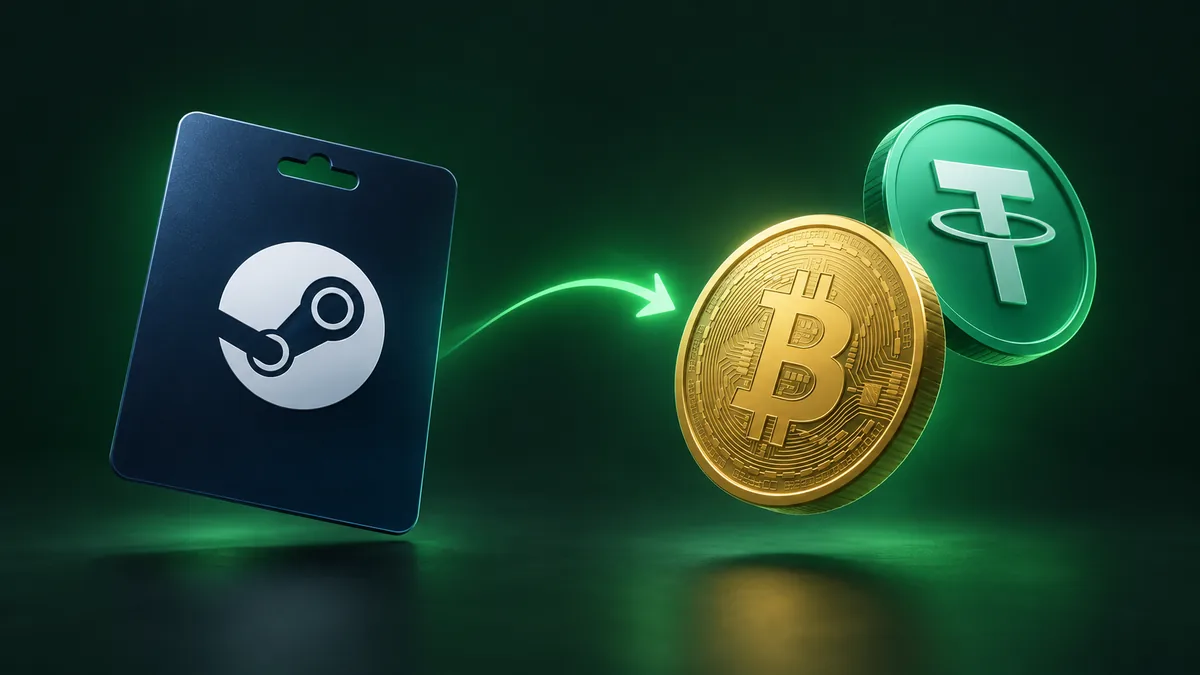
How to Sell Steam Gift Cards for Crypto Online
If you have an unused Steam wallet card from a tournament prize, holiday gift, or promo giveaway and prefer building a digital asset portfolio over buying more PC games, you can convert your voucher into cryptocurrency. At PayPuu, we enable you to trade valid Steam vouchers directly for popular digital currencies sent to your private wallet address. The entire transaction is managed online without complicated sign-up procedures, allowing you to track progress from manual validation through on-chain payout.
Accepted Steam currencies and minimum amounts
Gift card issuers lock balance cards to specific billing regions, meaning a card issued in Europe cannot typically be redeemed on a US account and vice versa. On PayPuu, we accept both US Dollar (USD) and Euro (EUR) Steam vouchers. Before you begin an order, check the currency symbol printed on the physical packaging or listed in your digital voucher delivery email.
Card limits apply to each trade. In general, our minimum transaction threshold is 50 USD or 50 EUR, depending on the currency of your card. There is usually no fixed upper ceiling for most trades, though real-time order limits are displayed directly in the system. Because cryptocurrency valuations and market conditions shift frequently, you can consult our live rates page to inspect the latest exchange rates and minimums before starting your transfer.
Checking your Steam code format and status
Steam wallet codes follow a standard structure: they are alphanumeric strings consisting of 15 characters split into three blocks of five separated by hyphens (for example, AAAAA-BBBBB-CCCCC). Taking a moment to prepare your voucher details prevents unexpected delays or declined submissions.
Watch out for these common issues prior to entering your voucher details:
- Already-applied codes: Once a voucher has been redeemed into an individual Steam wallet balance, it cannot be exported or transferred to an external service. We can only process unredeemed codes.
- Scratched-off characters: When peeling or scratching off the protective film on a physical card, take care not to rub away characters. Letters like B and numbers like 8, or the letter Q and the letter O, can easily be misread.
- Inactive retail cards: Physical cards bought in retail stores must be properly activated at the cash register. If a card was never scanned at checkout, it carries no balance and will fail validation.
- Currency mismatches: Submitting a EUR card while choosing the USD option will cause an order mismatch and delay processing.
Selecting your payout coin and network
Once you verify that your card is eligible, you can decide which digital asset you want to receive. We support roughly 25 cryptocurrencies, including Bitcoin (BTC), Ethereum (ETH), Solana (SOL), Litecoin (LTC), Monero (XMR), and stablecoins such as USDT and USD Coin (USDC).
Your choice of cryptocurrency affects the transfer cost and speed on the blockchain. For example, opting to exchange a Steam code for Bitcoin or Ethereum may involve higher blockchain network fees during periods of network congestion. If you prefer low on-chain deductions, assets like Litecoin, TRON (TRX), or Solana are worth considering. If your goal is price stability, USDT or USDC let you lock in value without exposure to market volatility.
Always pay close attention to the specific network when selecting a stablecoin. If you choose USDT on the TRC20 network, you must enter a TRON-compatible wallet address starting with a "T". Supplying an ERC20 (Ethereum) address for a TRC20 payout can cause permanent loss of funds on the blockchain. PayPuu shows the estimated network fee upfront on the order screen before you commit, so you know exactly what is deducted for the blockchain transfer.
Submitting the code through the PayPuu widget
Starting an exchange requires only a few inputs. You do not need to register an account in advance; an account is automatically generated for you using your email address so you can review current and past orders.
Checklist for submitting your card
- Open our exchange widget on the homepage.
- Select your card currency (Steam USD or Steam EUR) in the first field.
- Choose your desired payout cryptocurrency and network from the receive list.
- Type in your card denomination. The calculator automatically calculates the exact crypto payout and its equivalent fiat value.
- Provide your personal wallet address and contact email address.
- Advance to the order page, input your 15-digit Steam code accurately, and submit your request.
Double-check your payout address before finalizing your submission. Because cryptocurrency transactions on public ledgers cannot be reversed once broadcast, ensuring accuracy at this step is essential.
Typical verification timeline and status tracking
After you submit the order, our team performs a manual check on the Steam voucher. We check that the code is active, untouched, and matching the face value specified in your order ticket. This manual check usually takes between 20 and 30 minutes, though processing can occasionally take slightly longer during peak trading hours.
You can follow the progress of your trade in real time on your dedicated order confirmation page or through automated email updates sent to your inbox. The order lifecycle moves through clear stages:
- Pending / Under Review: Your code is in line for manual validation by our team.
- Completed: The voucher has been verified as valid and loaded with the specified balance. The crypto transaction is sent to your wallet, and a transaction hash is provided.
- Cancelled: If a voucher is already redeemed, blocked, or inactive, the order is cancelled. The interface will list the specific cancellation reason. In these cases, no payout is disbursed.
If you encounter an issue with your submission or have questions about a specific order, our support team is available 24/7 through our help center and email desk.
FAQ
Can I trade a voucher that I already redeemed into my personal Steam balance?
No. Funds credited to an existing Steam account balance are locked to Valve's platform and cannot be transferred or cashed out. We can only process unredeemed physical vouchers or raw digital codes that have not yet been activated on an account.
Which payout coins have the lowest network fees?
Blockchains like TRON (TRX or USDT-TRC20), Solana (SOL), and Litecoin (LTC) generally have significantly lower network gas fees compared to the Bitcoin or Ethereum mainnets. The exact network fee is always presented clearly on the widget before you confirm your trade.
What happens if I make a typo in the voucher code?
If the voucher code is mistyped, our manual verification will mark it as invalid and update your order status. You can reach out to our support team with the corrected code to have the order re-evaluated without having to restart from scratch.