 Deutsch
 Français
 Español
 Português (Brasil)
 العربية
 Русский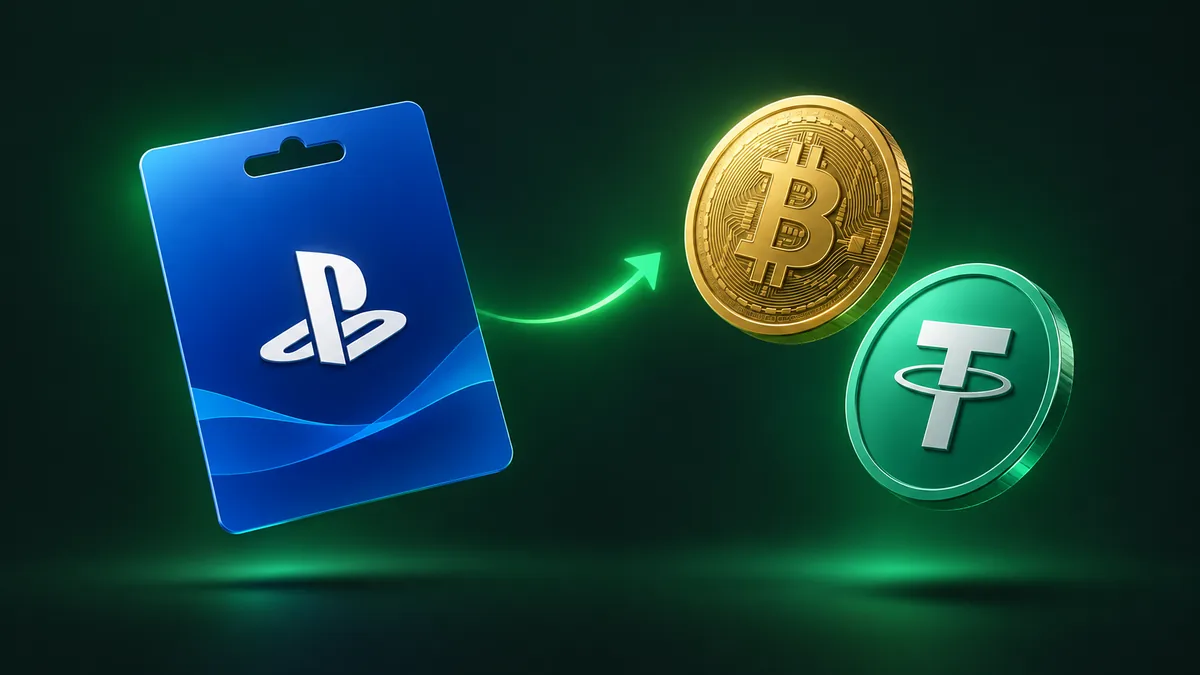
How to Sell PlayStation Gift Cards for Crypto
If you have an unredeemed PlayStation Store voucher that you do not plan to spend on digital downloads or add-ons, you can convert that store credit directly into digital currency. At PayPuu, we exchange eligible gaming vouchers for popular cryptocurrencies like Bitcoin, Ethereum, and stablecoins sent straight to your personal wallet. The process is straightforward, protects your privacy, and avoids complex trading interfaces.
Supported PlayStation currencies and voucher formats
Before initiating a trade, you must ensure your voucher matches our intake requirements. PayPuu exclusively accepts PlayStation gift cards denominated in United States Dollars (USD). PlayStation Network (PSN) vouchers are strictly region-locked by Sony, meaning a code issued for the US digital storefront cannot be redeemed in European, British, or Asian store regions.
We accept standard 12-digit alphanumeric voucher codes. These codes are typically distributed via digital retail delivery (digital codes from authorized online merchants) or physical plastic cards purchased at retail stores across the United States. Whether your code arrived as a digital string in an email or was revealed by scratching the protective foil on a physical card, it is eligible as long as it has never been tied to a console account.
The minimum card balance accepted for a PlayStation exchange is usually 50 USD. The exact upper and lower limits are displayed transparently in our live trade tool. We do not accept codes denominated in EUR, GBP, or other fiat currencies for PlayStation vouchers at this time. Most importantly, the voucher must be completely unused; once a code is redeemed to your personal PlayStation wallet balance, the funds become non-transferable and cannot be extracted.
Preparing your personal crypto wallet address
PayPuu does not hold custodial balances on your behalf. Every payout is broadcast directly to your private crypto wallet, hardware device, or exchange account. Before creating an exchange order, prepare a compatible wallet address for the asset you wish to receive.
We support approximately 25 cryptocurrencies, giving you flexibility based on your investment preferences or transaction fee tolerances:
- Major networks: Bitcoin (BTC), Ethereum (ETH), Solana (SOL), Cardano (ADA), and Avalanche (AVAX).
- Stablecoins: Tether (USDT) on TRC20, ERC20, and BEP20 networks, as well as USD Coin (USDC).
- Low-fee settlement coins: Litecoin (LTC), TRON (TRX), XRP, Stellar (XLM), and Dogecoin (DOGE).
- Additional altcoins: Monero (XMR), Toncoin (TON), Polkadot (DOT), Polygon (POL), and Sui (SUI).
Precision is essential when dealing with crypto addresses. Blockchain transfers are mathematically final and cannot be cancelled or redirected after broadcast. Always verify that your receiving address matches both the coin and the transfer network. For example, if you choose USDT on TRON (TRC20), your destination address must start with a "T" and explicitly support the TRC20 standard. Entering an Ethereum ERC20 address for a TRC20 transfer will cause permanent loss of funds.
PayPuu includes its exchange fee inside the quoted rate, but network gas fees are charged by the respective blockchain. The exact network fee is deducted from the final payout and shown before you confirm your trade. Opting for coins with lightweight network overhead like Litecoin or TRON helps maximize the final amount delivered to your wallet.
Submitting the PSN voucher on PayPuu
Exchanging your voucher takes only a few minutes from start to finish. You do not need to register an account in advance; our system automatically establishes a tracking account for you during checkout using your basic contact details.
- Navigate to the homepage exchange widget and choose PlayStation (USD) in the gift card field.
- Select the coin you wish to receive and enter the exact card value in USD. The widget immediately calculates your expected payout in both cryptocurrency and USD value.
- Enter your external wallet address and a valid email address where you want to receive transaction updates.
- Review the live exchange rate, deductibles, and net payout amount, then proceed to the order page.
- Input your 12-digit PlayStation code accurately into the order submission field and submit the trade.
Our live pricing engine recalculates rates every ten minutes to reflect shifting market conditions. You can monitor historical pricing and current ratios on our live rates page before initiating an order.
Manual verification timeframes and payout delivery
Unlike automated systems that attempt instant programmatic redemptions, PayPuu processes gift card trades through manual verification. Once you submit your order, an operator from our team reviews the voucher credentials to confirm that the balance is intact and that the code originates from an active USD batch.
Manual verification generally takes between 20 and 30 minutes. During periods of elevated trading volume or peak evening hours, processing may require additional time. You do not need to keep your browser tab open; you can track the status of your order directly on your unique order URL or via automated email status updates sent to your inbox.
As soon as our operator confirms the code is valid, the payout engine automatically executes the transaction to your designated wallet address. As soon as the transaction hash is generated on the blockchain, your order status changes to complete. Once an order is fulfilled, the transaction is non-refundable and irreversible.
Troubleshooting inactive or region-mismatched PSN codes
To avoid order cancellations, ensure your card is fully active before trade submission. Our team regularly encounters avoidable errors that prevent successful trade completion. Understanding these common pitfalls saves time and ensures smooth processing.
- Retail activation failures: Physical vouchers bought in brick-and-mortar stores must be scanned and activated at the cash register. If a cashier fails to complete the activation sweep, the card remains dormant. Keep your purchase receipt until the exchange is finalized.
- Region mismatches: Attempting to trade Canadian, European, or British PlayStation vouchers will result in a cancellation. The card must be denominated strictly in USD for the US PlayStation Store.
- Typing errors: PlayStation voucher codes contain 12 alphanumeric characters. Double-check ambiguous characters before submitting. Sony deliberately excludes the letters I, O, S, and Z from voucher production to minimize visual confusion with numbers like 1, 0, 5, and 2.
- Prior redemption attempts: Never attempt to enter the code into your personal console account to "verify" the funds. PlayStation balances cannot be inspected without permanently binding the voucher to that specific PSN account.
If our team receives an invalid, inactive, duplicate, or region-blocked code, the order is cancelled immediately. The specific reason for the cancellation is displayed directly on your order tracking page. We do not hold balances or charge cancellation penalties for failed submissions. If you need assistance with an order, contact our support team through the contact page.
FAQ
Can I exchange PlayStation vouchers issued in currencies other than USD?
No, PayPuu currently only accepts PlayStation Store vouchers denominated in USD. Codes from the United Kingdom, Europe, or other regional stores cannot be processed and will be cancelled during verification.
Do I need to complete identity verification to place an order?
You can begin an order as a guest using just an email address and payout wallet. However, depending on transaction size and specific exchange routes, our compliance system may request email, phone, or identity verification before proceeding.
How long does it take to receive my cryptocurrency payout?
Voucher verification is handled manually by our team and usually takes between 20 and 30 minutes. Once verified, the cryptocurrency is immediately sent to your wallet, with final arrival depending on standard blockchain confirmation speeds.
What happens if my PlayStation code is rejected?
If a voucher code is invalid, already redeemed, or improperly activated at the register, the transaction is cancelled and the reason is posted to your order screen. Validated orders cannot be reversed once processed.